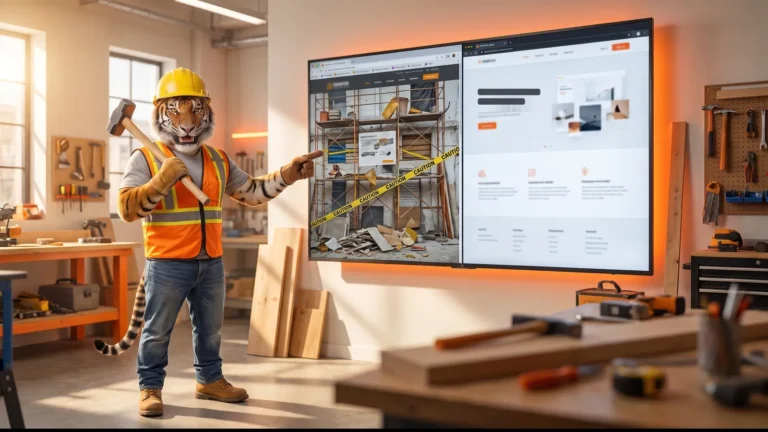
Test a clickable prototype before you fund a full build. A prototype lets real users click through your idea while it's still on screens, so you can change the design before any code exists. Five testers find most of the trouble.

Fix problems on screens before any code
A prototype is a clickable model of your website or app. It looks like the real thing, but no code powers it yet. People tap through the screens and show you what confuses them, so you can study the flow and change the design before the build starts.
The stakes are high for a new build. CB Insights studied 431 venture-backed startups that shut down since 2023. Running out of capital was cited in 70% of failures, and poor product-market fit in 43%, which shows how costly a weak product decision can become.
Five testers find most of the problems
You don't need a big crowd. You need a few of the right people. According to the Nielsen Norman Group, a usability test with five participants finds about 85% of a design's usability problems in its model. So five people can point you toward most of what's broken.
That number changes how you plan. Small tests cost little. You watch five people try your screens, and the same issues often appear again, which gives you a clear list of problems to fix. Then you fix them and test once more.
Low-fidelity and high-fidelity prototypes
Not every prototype looks the same. The Nielsen Norman Group also explains the two main kinds. A low-fidelity prototype captures only some or none of the final product's look, like a black-and-white sketch or wireframe. A high-fidelity prototype's graphics, spacing, and layout look like the live system.
Each kind fits a different moment. Use low-fidelity early, when you need to test the flow, the sequence of screens, and the core idea without polishing details. Then move to high-fidelity once the flow feels right, so testers react to graphics, spacing, and layout that look like the live system.
The order saves money. You settle the hard questions with cheap sketches first. You polish only after the plan holds up. That way, you don't spend on pixels for a screen you might cut.
Prototypes guide real projects
Big teams work this way too. The GOV.UK Service Manual tells government teams to "Spend alpha building prototypes and testing different ideas." So even large public services test ideas early.
Our team works from the same idea. You see the flow and click through it on a staging website while design and code move together, so the project keeps taking shape in front of you. Your budget stays aimed at the right website.
How to set up your first prototype test
Ready to try it? Follow these steps in order.
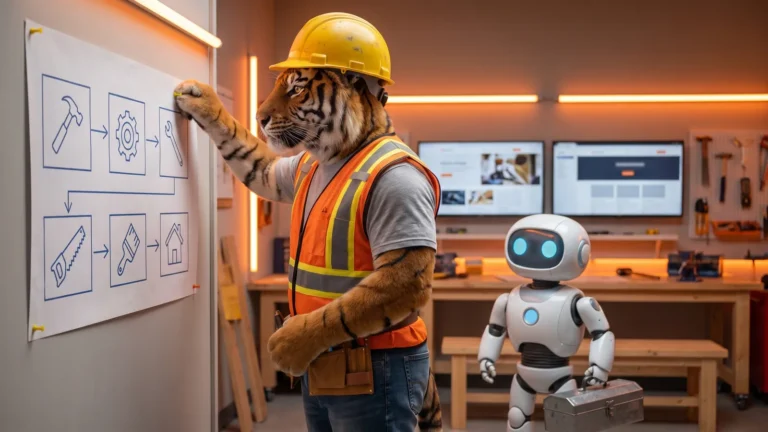
- Write down the one task users must finish, like booking a call or buying a plan.
- Sketch the screens for that task as a low-fidelity prototype.
- Link the screens so testers can click from start to finish.
- Find five people who match the folks you want as customers.
- Ask each person to do the task while you watch and stay quiet.
- Note where they pause, tap the wrong spot, or ask what to do.
- Fix the biggest problems, then test the new version with five more people.
- Move to a high-fidelity prototype once the flow works, then approve each screen before any code.
Start small. Let each test sharpen the next. A prototype turns your idea into something people can touch before the build begins, so you can find flaws while they're still cheap to fix. Then you fund a build you've already seen work.
Learn more about our prototyping service.
Frequently asked questions
Why test a clickable prototype first? A clickable prototype lets real users test your idea before any code exists. The guide says this helps you find problems on screens while they are still cheap to fix.
How many people should test a prototype? Five people is enough to find most problems. The guide cites Nielsen Norman Group saying five participants find about 85% of a design's usability problems in its model.
What is the difference between low and high fidelity prototypes? A low fidelity prototype tests the flow and core idea with simple screens like sketches or wireframes. A high fidelity prototype looks like the live system, with graphics, spacing, and layout closer to the final version.